

Original price was: £189.99.£147.99Current price is: £147.99.
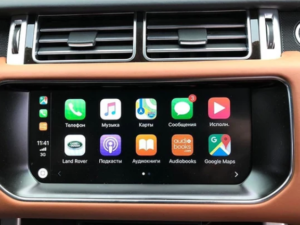
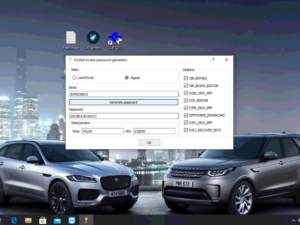
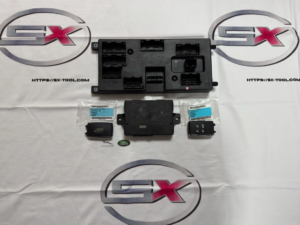
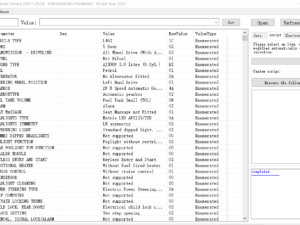
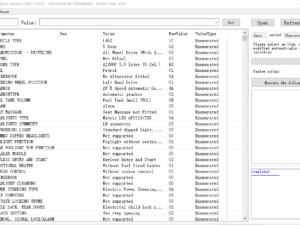
Firmware Upgrade Remote for Land Rover Jaguar ICM Module 2018-2019, JLR Apple CarPlay Androidauto upgrade module. the activation demand OEM JLR VCI kit like DOIP to work with Pathfinder software.
Firmware Upgrade for JLR ICM Module 2018-2019 – Remote Support
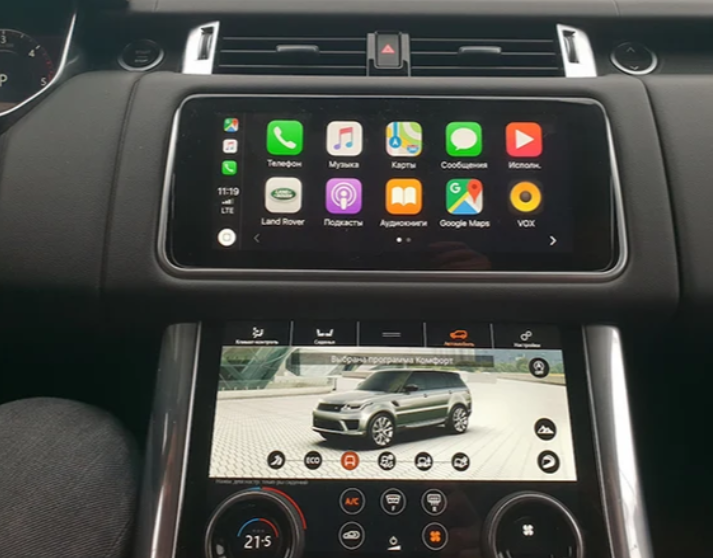
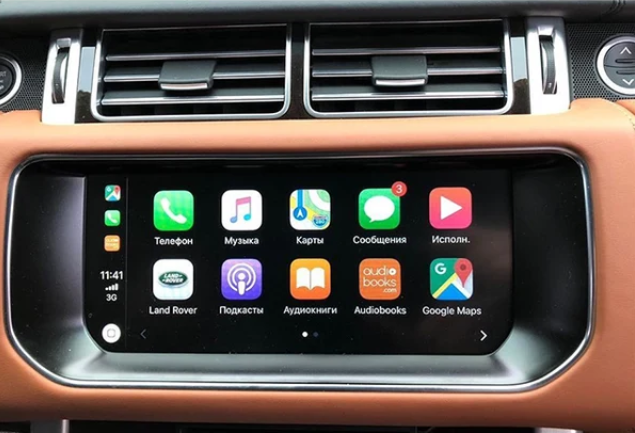
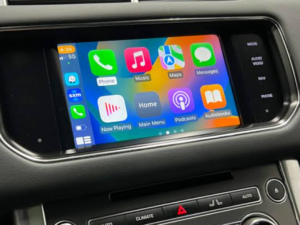
After the Firmware Upgrade for JLR ICM Module 2018-2019, you can activate JLR Apple CarPlay and Android Auto remotely for Land Rover Jaguar MY 2020-2022. The activation requires an OEM JLR VCI kit like DOIP to work with Pathfinder software. For newer models (MY2019-2022), you can activate CarPlay and Android Auto without upgrading the ICM module firmware.
Package Includes
- Firmware Upgrade Remote Support for 1 car
- Remote activation service via TeamViewer (1-3 hours)
Jaguar Land Rover Apple CarPlay and Android Auto Remote Activation Checklist
Before we remotely activate your car, please ensure you have the following software, tools, or USB media parts exchanged and ready:
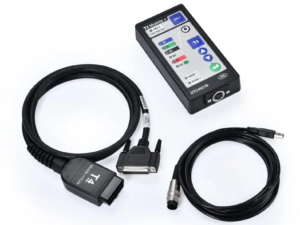
- Hardware VCI JLR DOIP VCI WF
- Software Pathfinder V374
- Software tool CCF Tools 4.8
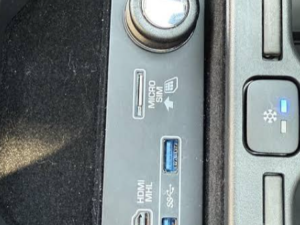
- MY 2018-2019 models require an ICM firmware flash upgrade and exchange of the armrest USB module.
- MY 2020-2022 models can activate directly by software.
- External power supply (Very important – no power supply means no flashing)
About Jaguar Land Rover Apple CarPlay and Android Auto
Jaguar Land Rover today announced that both Apple CarPlay® and Android Auto™ functionality have been added as standard equipment on the 2019 Jaguar I-PACE, as well as an option on select 2019 models equipped with InControl Touch Pro™ and Touch Pro Duo™ infotainment systems.
Drivers can now interact with key mobile apps like Spotify, WhatsApp, and (with iOS12) Waze through the vehicle’s touchscreen, much like using a smartphone. Where equipped, Voice Control can even control some functions, adding extra convenience.
Owners simply connect their smartphone via a compatible USB cable and select Apple CarPlay® or Android Auto™ on the touchscreen.
Visit Apple.com and Android.com for the current list of compatible devices and apps. The Smartphone Pack, which includes Apple CarPlay® and Android Auto™, is standard on all Jaguar I-PACE models from launch.
Additionally, from the 2019 model year onward, all vehicles equipped with Jaguar and Land Rover InControl Touch Pro™ or Touch Pro Duo™ infotainment systems (with navigation, InControl® Apps™, and Wi-Fi) can have the optional Smartphone Pack.
Depending on the model, the Smartphone Pack is either a port- or factory-installed option for around $300, based on trim level.
In addition to the new Smartphone Pack, Jaguar and Land Rover have made several other key enhancements to the InControl Touch Pro™ system for 2019:
- Voice command for Navigation introduced for select models
- Major graphical refresh on “Home,” “Extra Features,” and “Customisable Homepage” screens
- Minor UX changes to button/icon placement on “Media Screen”
- Additional shortcut buttons on the home screen for Navigation, Media, and Phone
InControl Touch Pro™
JLR designed and developed InControl Touch Pro™ in‑house around a quad‑core processor, a high‑speed 60GB solid‑state drive (SSD), and an ultra‑fast Ethernet network.
When first introduced in the 2016 model year, it represented a step change for JLR infotainment technology. The system features a 10‑inch touchscreen.
Like a tablet, there are no physical buttons – all controls integrate into the bottom section of the touchscreen, making interaction smooth and seamless.
The home screen is customisable, and users can add widgets, or even additional home screens if they wish.
InControl Touch Pro™ makes every journey easier and more enjoyable. Navigation data stored on the high‑speed SSD loads much faster than with conventional hard drives.
Users can zoom in and out of maps using ‘pinch’ and ‘pan’ gestures. Even without a GPS signal, the system helps drivers stay on track with dead‑reckoning functionality.
It analyses data from the vehicle’s sensors to accurately predict the vehicle’s location. Using a data connection for location‑based features adds another dimension of capability.
When you search for a destination, the system checks if there is sufficient fuel or battery range to complete the journey. If not, it flags this and shows available filling/charging stations on the route.
Tapping one of them adds it as a waypoint. When active, the data connection enables other features.
With InControl Touch Pro™, you can share your destination, current location, and estimated time of arrival (ETA) with others via email or text message when using the onboard navigation system.
When caught in traffic, the system can automatically send an ETA update. Commute Mode learns your daily drive and offers alternative routes to avoid congestion using historical and real‑time traffic information.
Approach Mode adds a 360‑degree interactive view of your destination alongside the map display when you are approximately 656 feet (200m) away. It can even show you the nearest available parking lots and direct you to them.
InControl Touch Pro Duo™
First debuting on the 2018 Land Rover Range Rover Velar, Touch Pro Duo™ is now standard on the 2019 Jaguar I‑PACE, Land Rover Range Rover, and Range Rover Sport.
It takes the best hardware and UX characteristics of InControl Touch Pro™ and builds on them to make interaction less distracting and even more user‑friendly.
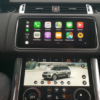
Dual upper and lower touchscreens form the centrepiece of the new minimalist HMI. They control infotainment, HVAC, and other system settings.
Fast and intuitive, Touch Pro Duo™ combines finely engineered physical controls with a beautiful digital interface to deliver a truly connected driving experience.
The interlinked upper and lower touchscreens look both futuristic and elegant. They provide clear graphics and easy operation with familiar tap, swipe, and pinch‑to‑zoom gestures on the upper screen.
The customisable home screen also lets users create shortcuts to preferred features. The system allows drivers to keep mapping information on the upper touchscreen while accessing further features on the lower screen.
These include HVAC control, seat settings, music information, and drive mode selection. By dividing information and controls logically between the two screens, Touch Pro Duo™ achieves an even more intuitive user experience.
Positioned on either side of the lower screen are two rotary dials. They control cabin temperature, fan speed, seat climate, and massage functions. They can also manage media and phone functions via specialist widgets when the upper screen is in use.
Behind the steering wheel, a high‑resolution Interactive Driver Display includes customisable dual dial, single dial, and extended mode views. Other frequently used features – including phone, navigation, and media settings – can also be managed using this cluster.
For additional information on InControl Touch Pro™, Touch Pro Duo™, Apple CarPlay®, or Android Auto™, please visit your local Jaguar or Land Rover retailer, JaguarUSA.com, LandRoverUSA.com, Apple.com, or Android.com.
Apply for JLR Technical Support
Before Starting: JLR Remote Support Notice
Please ensure that you have all OEM tools and systems available for dealer‑based online coding and programming jobs. For programming flashing updates, an original dealer VCI is essential. A good, stable power supply is always recommended for JLR online ECU programming.
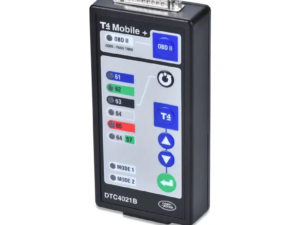
For older models, use T4 Mobile+, JLR SDD, Land Rover Pathfinder, or TOPIx online with JLR DOIP.
Only logged in customers who have purchased this product may leave a review.
Related products
JLR hardware
Firmware Upgrade

JLR Software

OEM Diagnostic Tool

JLR Spare Parts
Reviews
There are no reviews yet.