

Original price was: £370.00.£290.00Current price is: £290.00.
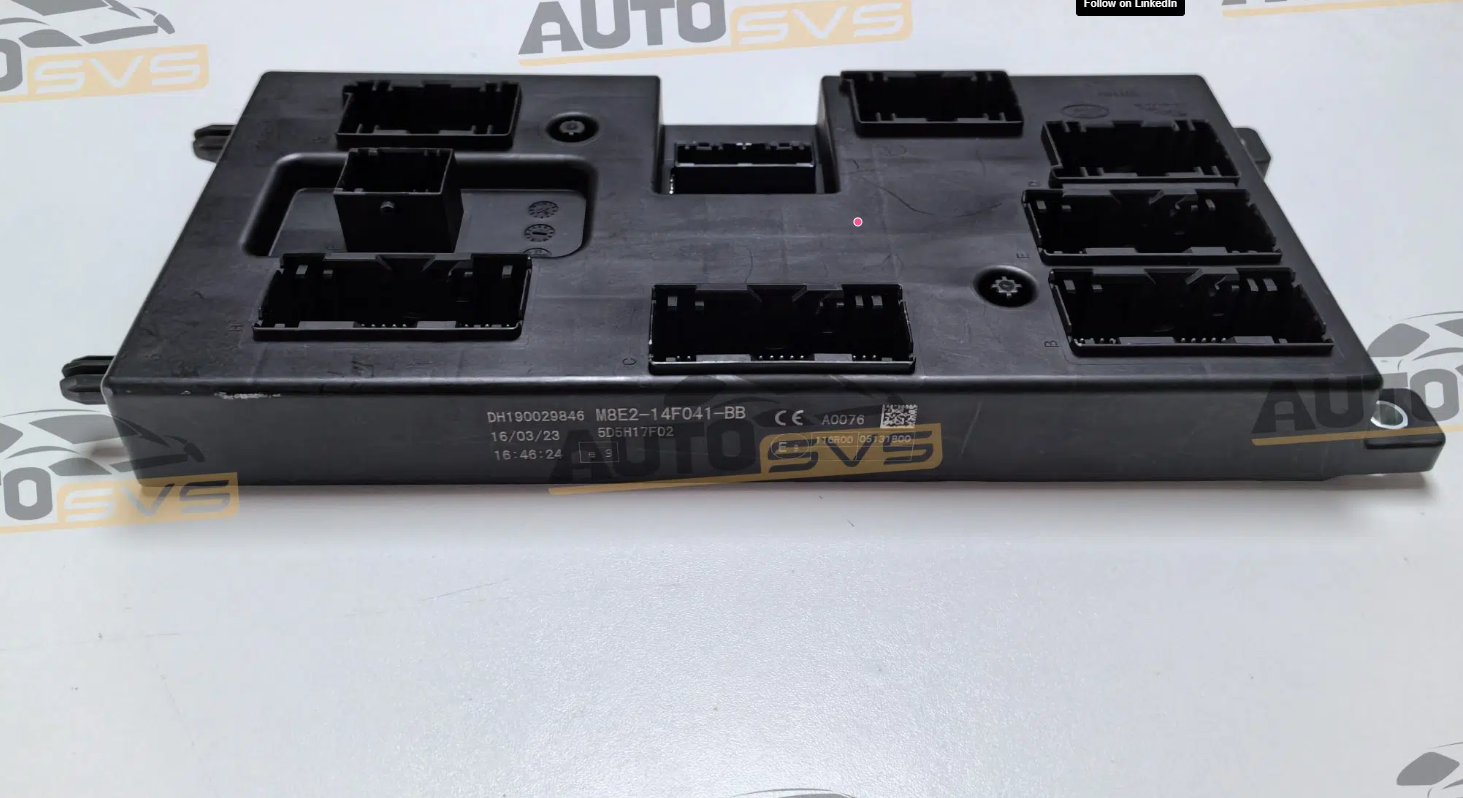
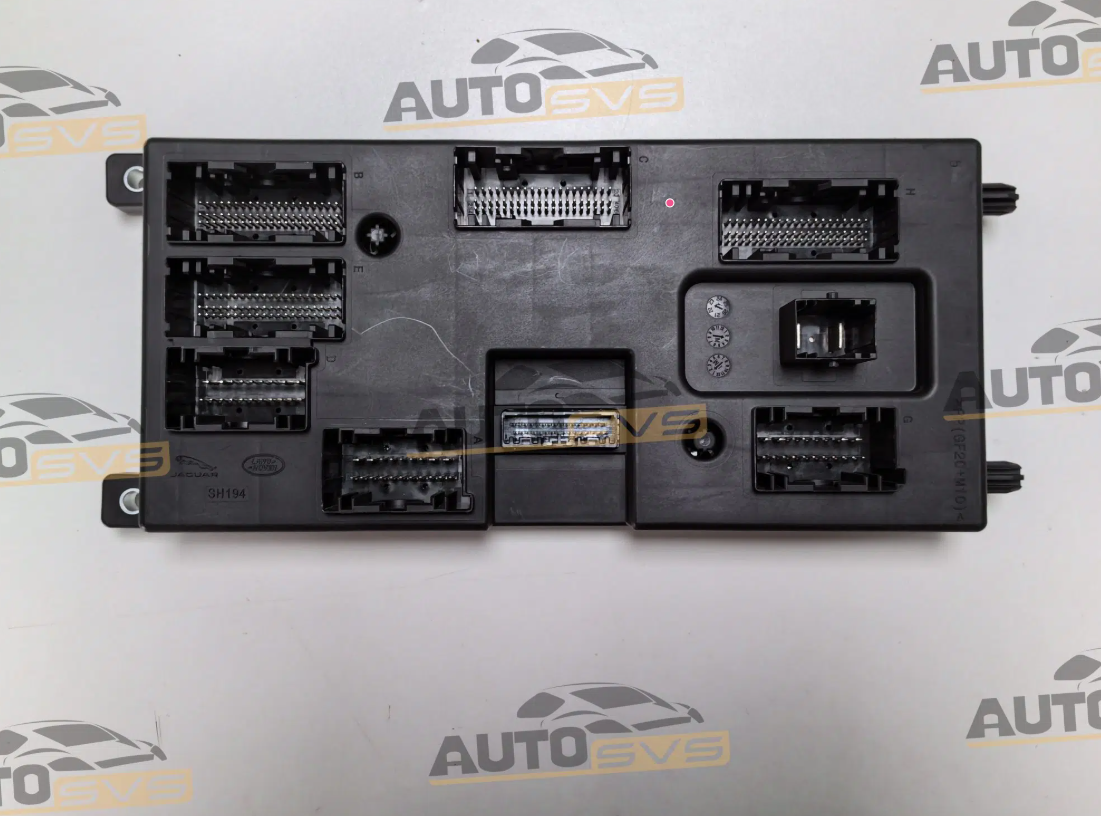
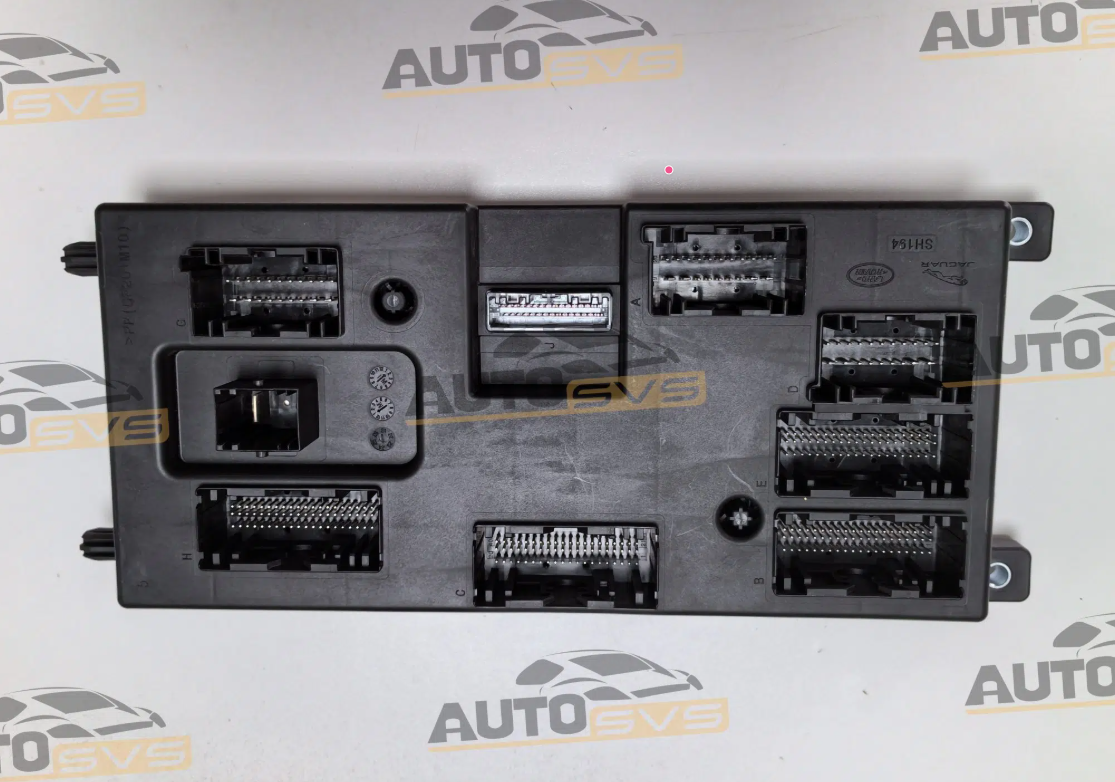
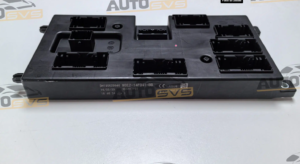
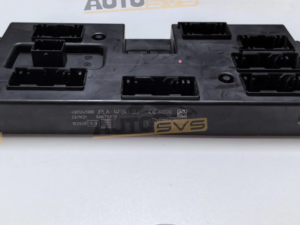
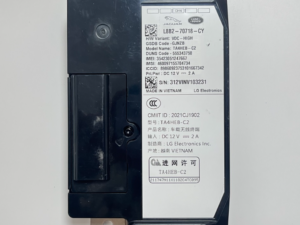
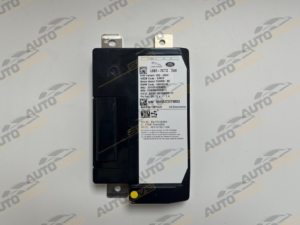
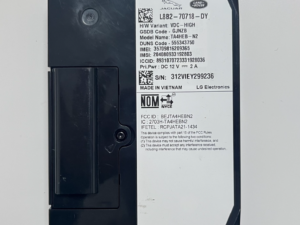
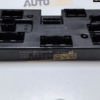
JLR Brand New BCM Module M8E2-14F041-BB
JLR Brand New BCM Module M8E2-14F041-BB
When to Reset BCM
- All Keys Lost: When programming the first key after all keys are lost, BCM must be reset to clear the existing key database and accept new keys. Most Common Scenario -Always reset BCM first
- Module Replacement: After replacing a BCM module, reset is required to initialize the new module and configure it for the vehicle.Reguired after any BCM replacement
- Key Programming Errors: When keys won’t program or existing keys stop working, BCM reset can resolve synchronization issues between modules. Troubleshooting last resort
- Security Lockouts: After multiple failed key programming attempts, BCM may lock security features. Reset clears these lockouts.
BCM Reset Fails or Times Out
Symptoms: Software displays error message, operation times out, or BCM doesn’t respond to reset command.
Possible Causes:
> Low battery voltage (below 12V)
> Poor OBD connection or cable issue
> BCM module fault or corruption
> Software version incompatibility
Solutions:
1.Check battery voltage – must be 12.5V or higher
2. Connect battery chargermaintainer during operation
3. Verify OBD cable is firmly connected
4. Try different USB port or diagnostic cable
5.Update diagnostic software to latest version
6. Cycle ignition off/on and retry
Only logged in customers who have purchased this product may leave a review.
Related products

Accessories

Accessories
Accessories
Accessories
Accessories
Accessories
Accessories
Reviews
There are no reviews yet.