
£360.00
Cruise Control
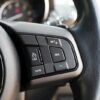
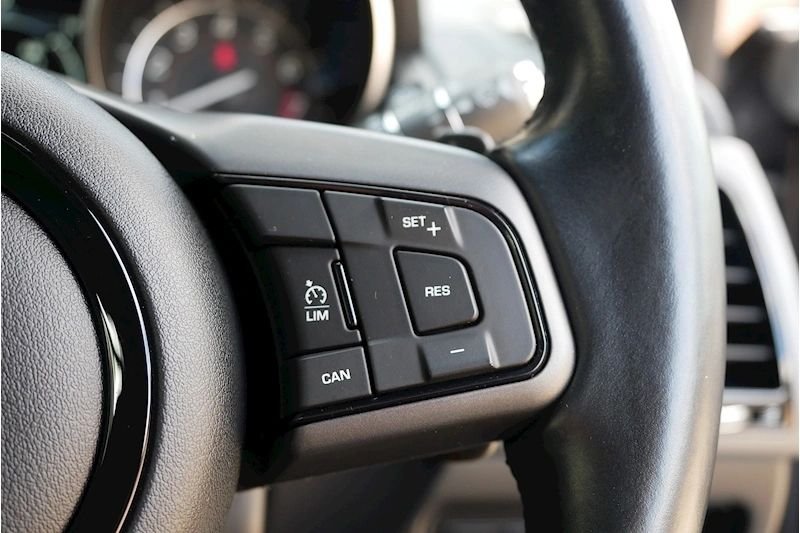
Cruise Control Installation and Programming – Add this feature to “Base” models that never came with this option. A new right hand switchpack is installed and the vehicle is programmed to understand its new functionality.
Understanding Basic Operation
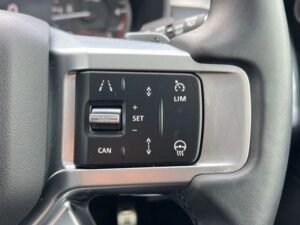
The location of the buttons can vary per car. For your vehicle, check the manufacturer’s manual for the location and specific instructions. To set the system, press the ON/OFF button or switch. Pressing this button again typically turns it off. The Res + (resume/increase speed) button increases the cruising speed by 1 mph, while the Set – (set speed/reduce speed) button decreases it by 1 mph. To shut it off, you can press the Cancel button or simply press the brake pedal.
What Does This Feature Do?
It locks your car’s accelerator at a specific speed, allowing you to take your foot off the pedal and remain at a constant speed. Because it’s so convenient for commuters and highway drivers, this feature generally comes standard on most models.
Step‑by‑Step Activation Guide
Follow these steps when setting the system:
-
Evaluate weather conditions – check for hazards and obstacles before applying it.
-
Build your speed – the ideal speed is between 55 and 70 mph.
-
Turn the system on – the button is usually on or near your steering wheel.
-
Set the system – press another button on your steering wheel and remove your foot from the accelerator.
-
Watch the road carefully – you will have a slower reaction time if your foot is off the brake or accelerator.
| Make Model | F-Type X152 |
|---|
Related products

Activations
Activations
Activations

Activations
Activations
Activations